
← Back to RUPUPU

📌 Bookmark Dock

Turn Chrome’s new tab into a home screen–style view. Open your favorite sites with one tap, with icons instead of long lists.

Folder bookmarks displayed as a grid of icons

This extension automatically loads the folder at the far left of your bookmark bar.

Every time you open a new tab, that folder’s contents appear like a phone home screen—as icons, so you can find and open sites in one tap. No extra setup.
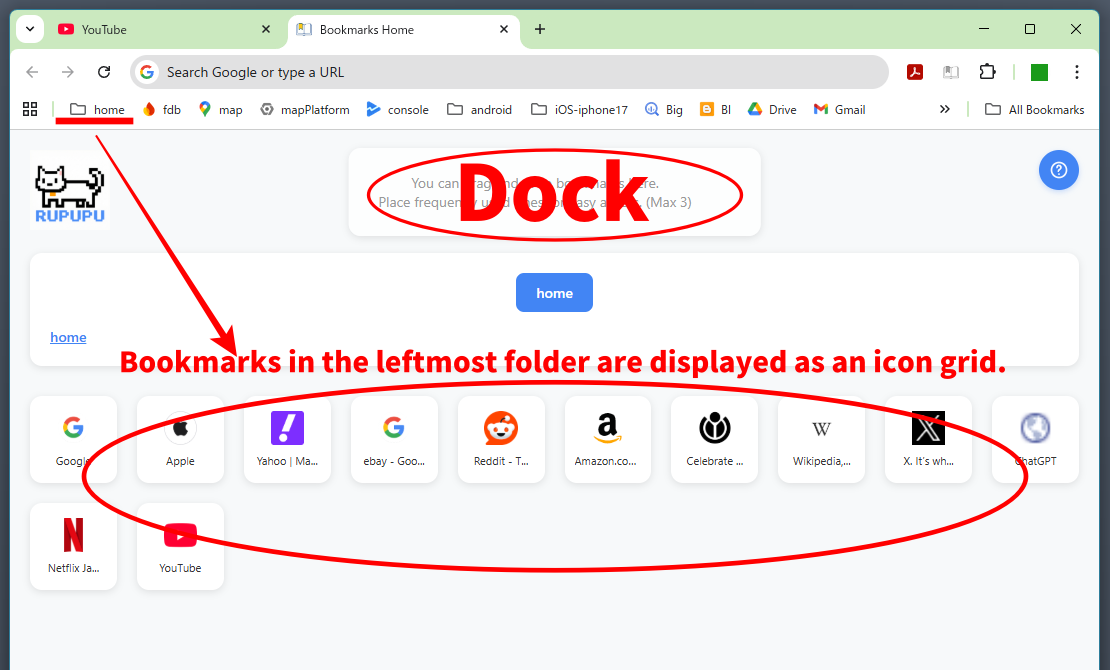
Folder bookmarks displayed as a list of icons

Who it’s for

If your bookmarks have grown into a mess, or you want faster, smoother browsing—Bookmark Dock uses your existing Chrome bookmarks and turns the new tab into a clear, easy-to-scan layout.

Why you’ll like it

The Dock at a glance

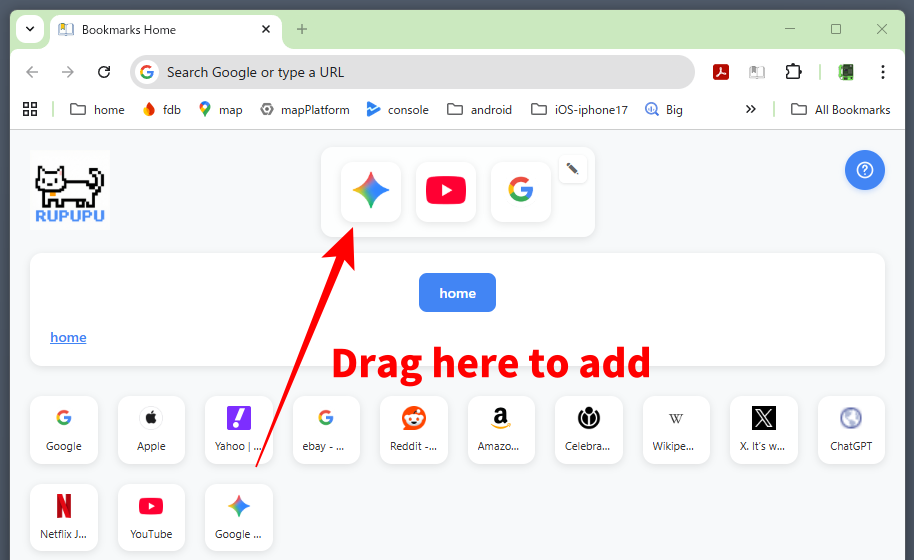
Drag and drop your favorite site icons into the Dock at the top. One click from the new tab, anytime.

Dock (pinned bar) overview
Add to Chrome Quick start guide